
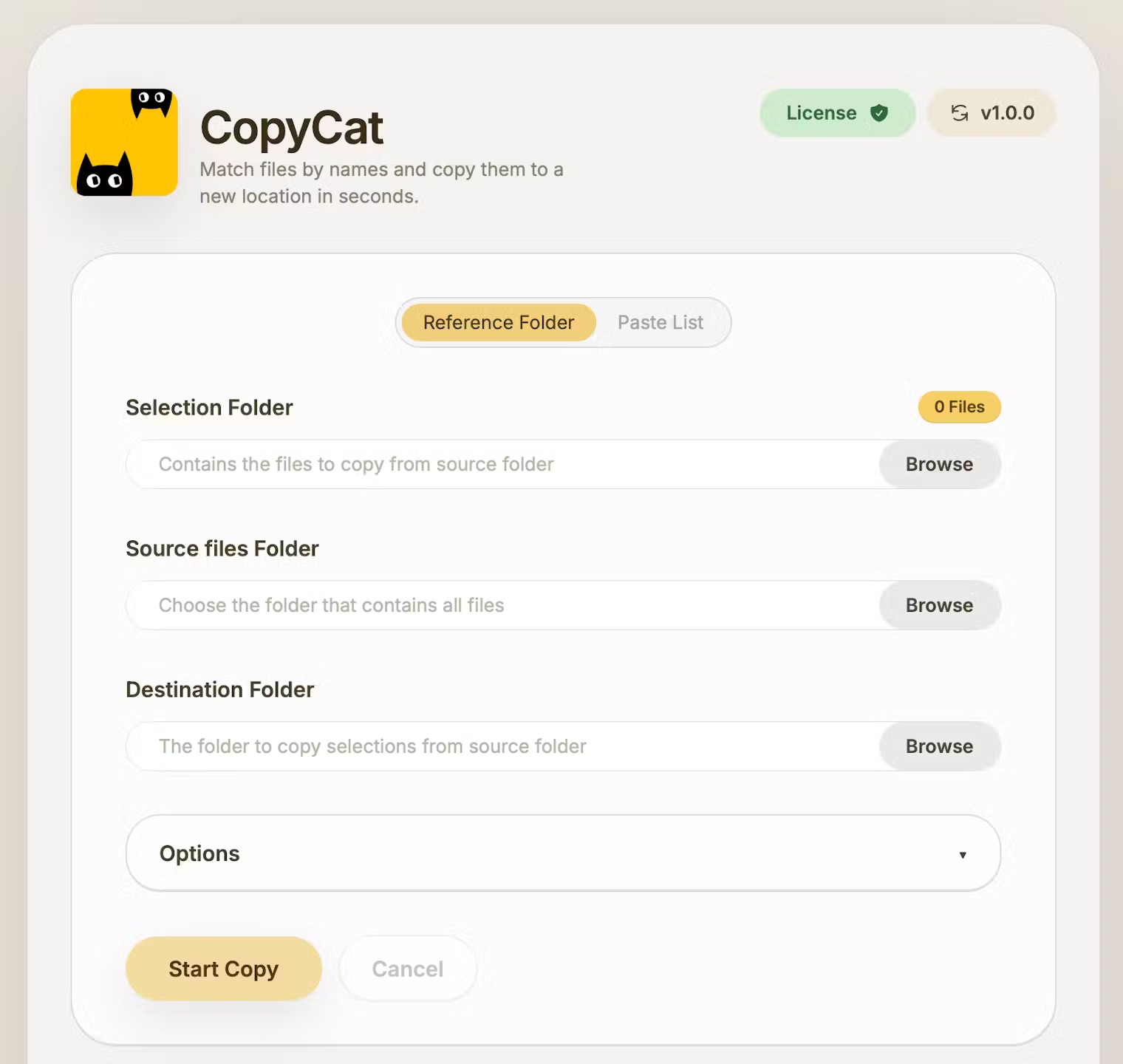
What is Copycat
Ever had to find 200 files buried inside 10,000? Copycat finds and copies files by name; automatically. Works for any file type, preserves metadata, saves you time. Its a one time purchase. No subscription. use it forever. includes all current and future updates. Available on Mac + Windows.
Copycat Coupon code / Discount offers
How to use promotion / offer : Launch Offer
Coupon Code : Applied by default
Features
- Smart file matching and extension control
- instantly finds and copies matching RAW files based on selected images or filenames
- with precise include or exclude extension options
- instant file organization by copying all matched RAWs into a new folder in seconds
- fast offline cross-platform performance on macOS and Windows that handles large projects smoothly without internet.
Pricing
- Paid
Useful For
- Freelancers
- Content Writers
- Agencies
- YouTubers
Copycat as an Alternative to
Detailed Description
What is Copycat?
Copycat is a fast, simple desktop app built for photographers who handle thousands of RAW files and client selections. It automatically finds and copies the original RAW files that match selected images, saving hours of manual searching and organizing.
Main Features
Smart matching by filename to find RAW files that match selected JPEGs, PNGs, or filename lists, instant copying of matched files into a new folder in seconds, two easy ways to work by pasting a list of selected filenames or selecting a folder of chosen images, preserved metadata and timestamps to keep original capture details intact, a non-destructive workflow that never alters original files, fast and lightweight offline performance for large folders, and full cross-platform support on macOS and Windows.
Who Can Use It
Photographers working in weddings, fashion, product, or events, studios and editors who need to quickly retrieve client-selected RAW files for editing, and assistants or managers who want to prepare projects faster without relying on Lightroom or file managers.
What Problem It Solves
After a shoot, photographers often share thousands of previews and receive a list of selected photos from clients. Manually locating those specific RAW files among large folders is slow and frustrating. Copycat automates this by instantly matching and copying only the required RAW files, reducing a process that once took 30 to 40 minutes to less than 30 seconds.

AMA with Maker (3)
ok so it says it preserves metadata, but does that include things like EXIF data from photos or document authorship details, or is it just the basic file dates?
This sounds perfect for my workflow, but I'm on Windows 10. If I buy it now and then update to Windows 11 later, will my license still work or do I need to pay again?
My company is finally ditching our old server and I'm in charge of migrating project files. I'm worried about missing something—if I give Copycat a list of filenames, can it search through subfolders automatically and copy everything it finds to one new location?